 Agip Arzaki Maulana
Designing InStudi, a school app that keeps teachers, students and parents in the loop
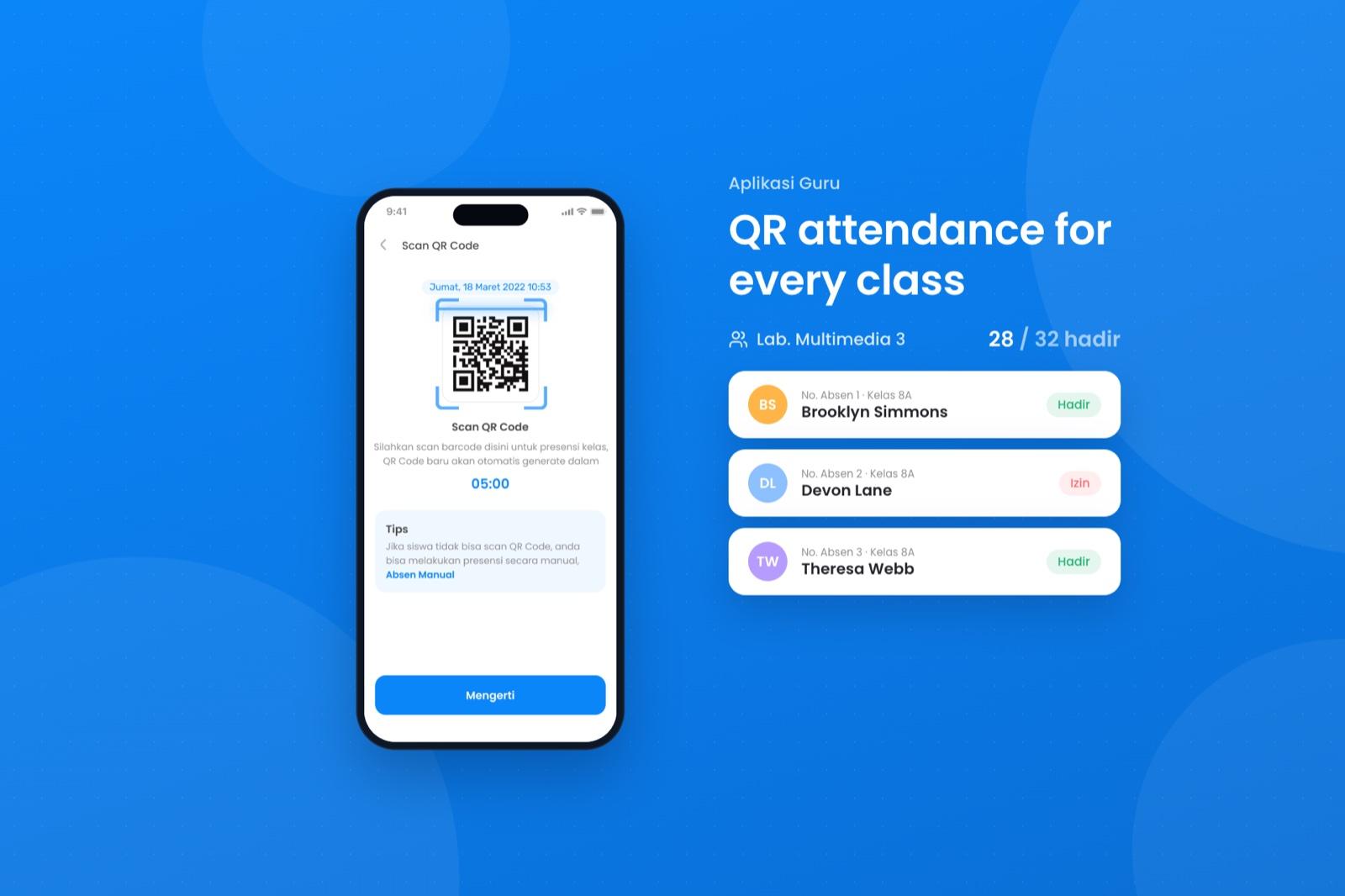
During the pandemic, attendance in Indonesian schools ran on chat messages. InStudi replaces that with selfie check-in, live location and class QR codes, in apps for teachers, students and parents plus a website for the school.
- Role
- UI/UX Designer
- Platform
- Mobile apps and a website
- Year
- 2022
Overview
What is InStudi
InStudi is a school information system. It connects students, teachers and parents, and its attendance feature tracks location, so parents can see when their children arrive at school.
Help bridge information between students, teachers and parents, and make the school's information and data easier to manage.
Student app
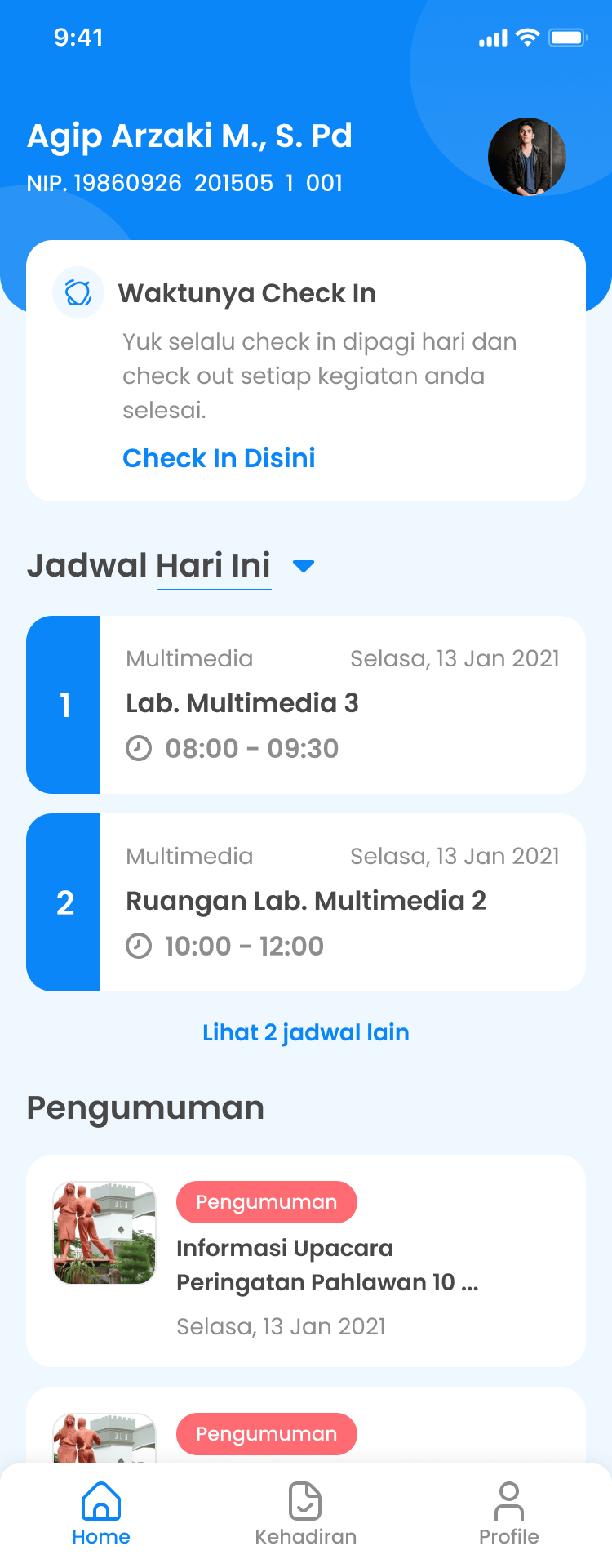
See the day's schedule and check in to each class.
Teacher app
Manage who is present and keep track of the teaching schedule.
Parent app
Follow a child's attendance and activities from home.
The problem
Attendance by chat
When the pandemic hit, school attendance in Indonesia moved to chat messages. Plenty of apps and websites were released to help, but the experience wasn't good, and the gaps showed up for every role.
- Parents can't tell whether their children actually went to school.
- Students don't know today's schedule.
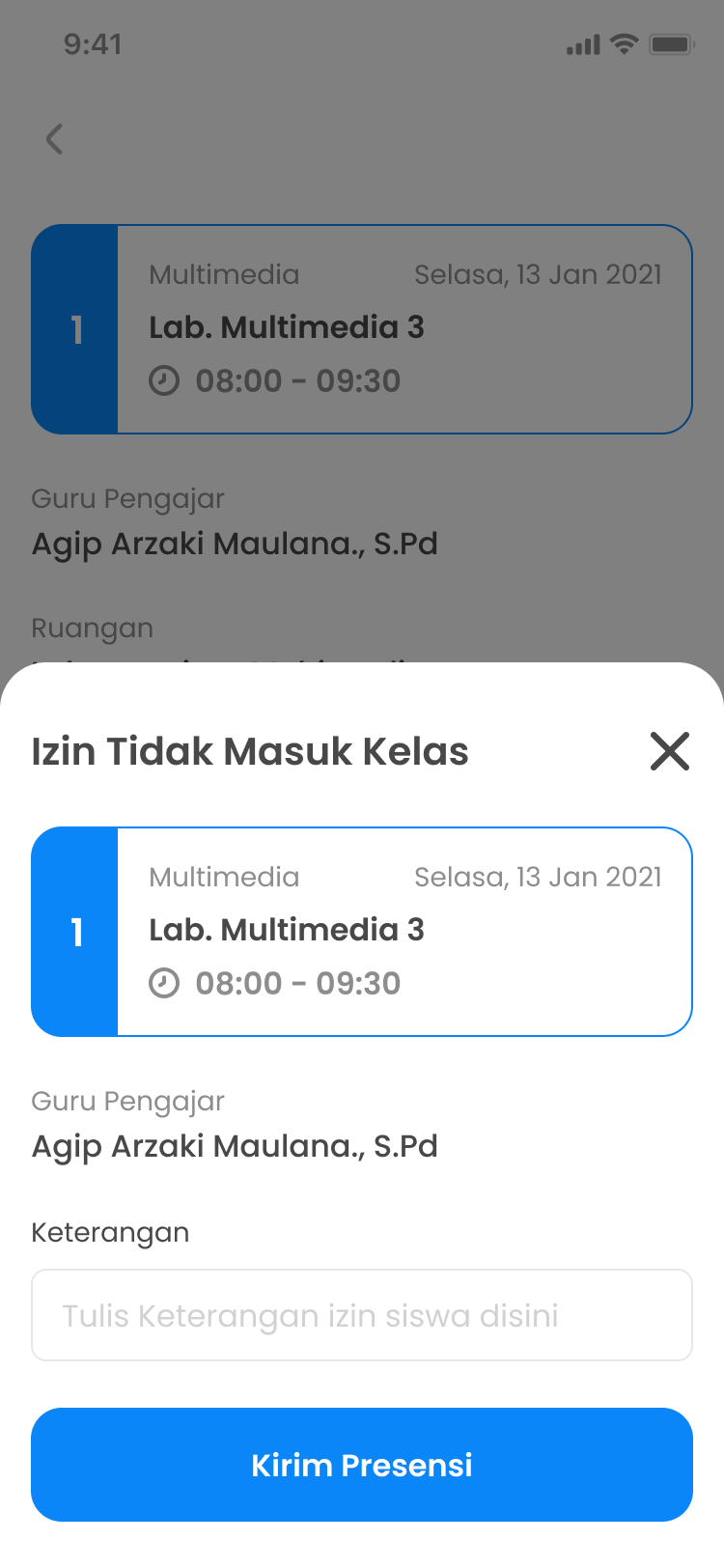
- There's no clear way for students to send a letter of permission when they can't come.
- Teachers have no simple way to report students who didn't come to school.
- Existing apps and websites cover parts of this, but their user experience isn't ideal.
Research
User interviews
We took those assumptions to real users in the field. They confirmed that:
- 01
Teachers in Indonesia find it hard to tell parents directly about their child's attendance.
- 02
Students forget the lesson schedule, and when they do have one, they end up deleting it.
- 03
Parents can't know whether their child is going to school or not.
From insights to a backlog
Market analysis plus the interview insights became a backlog of must-have features, and that backlog guided the wireframes.
The flow
An MVP, so one simple flow
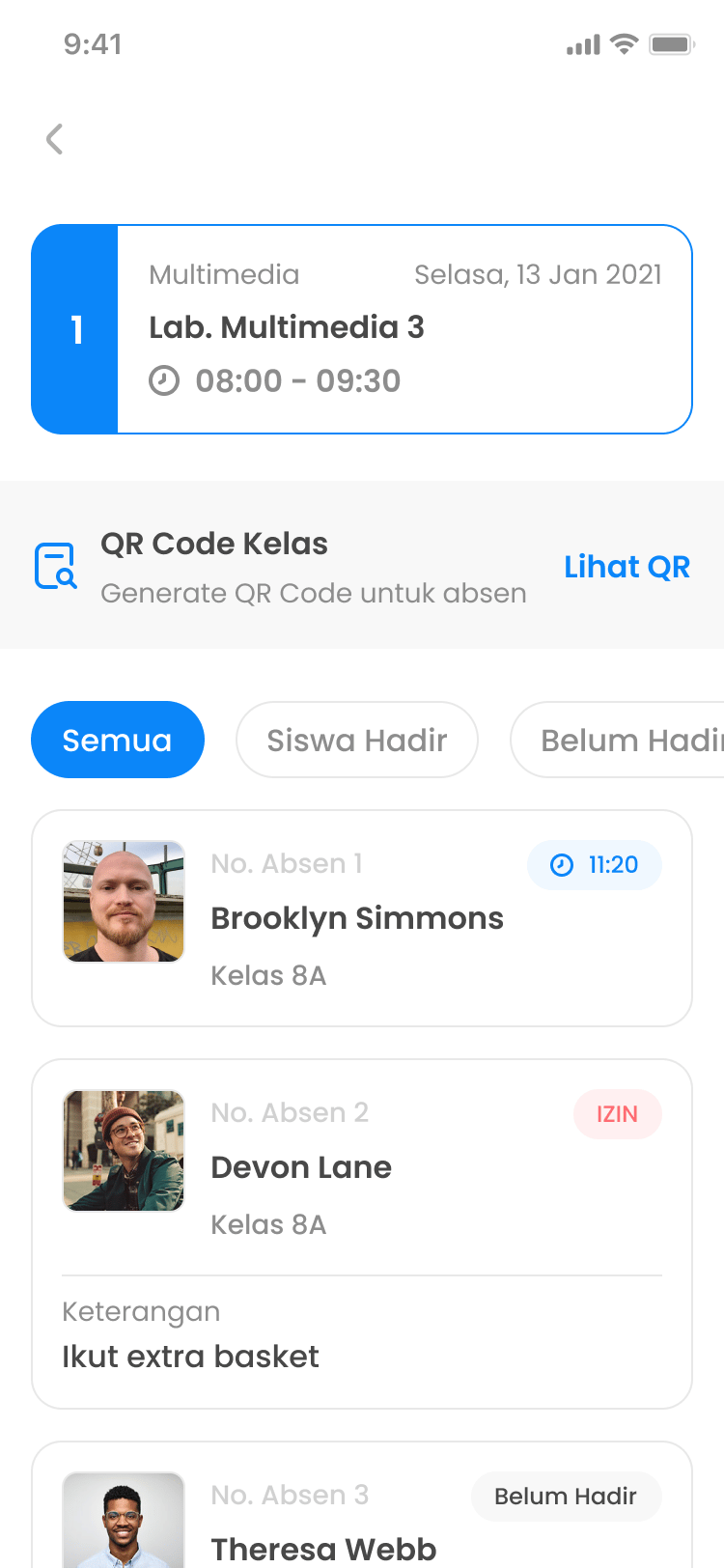
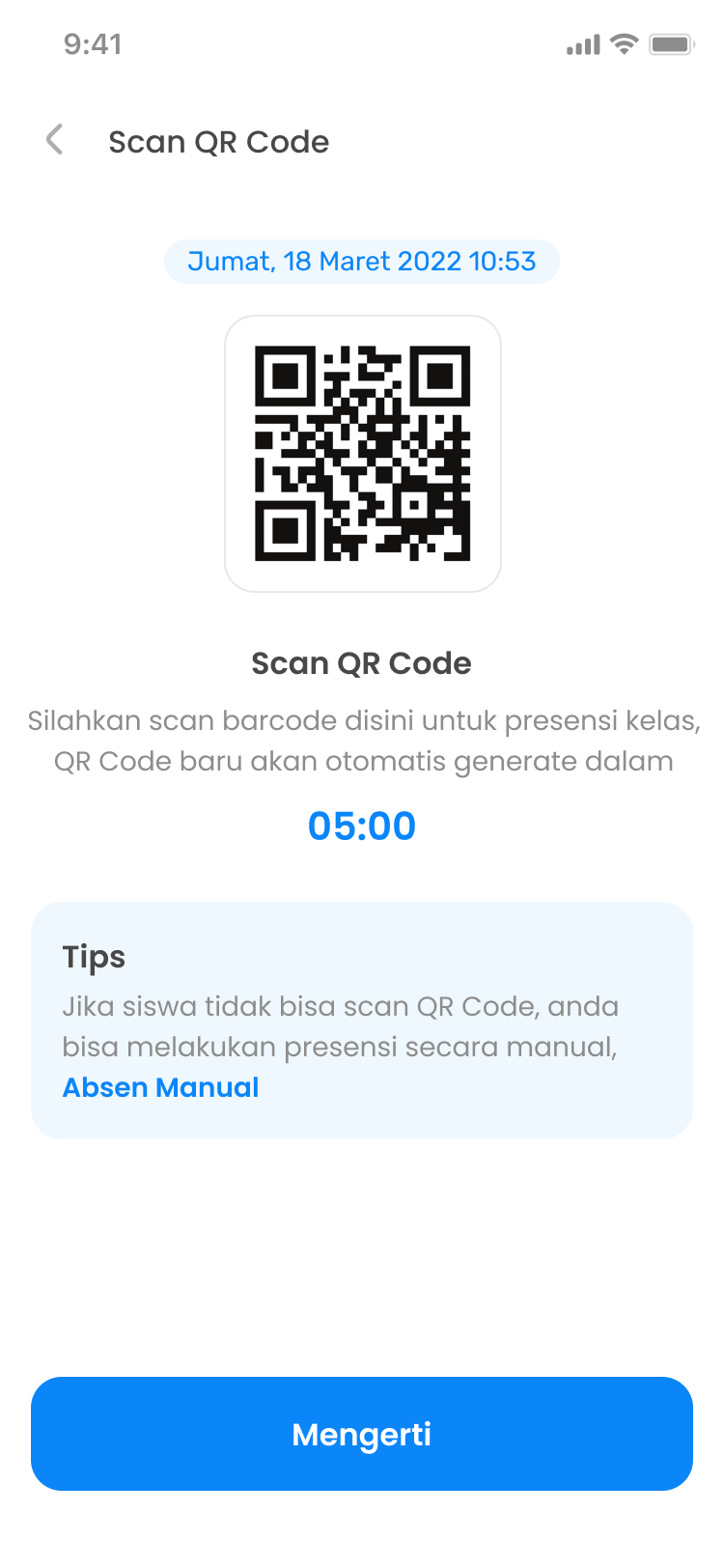
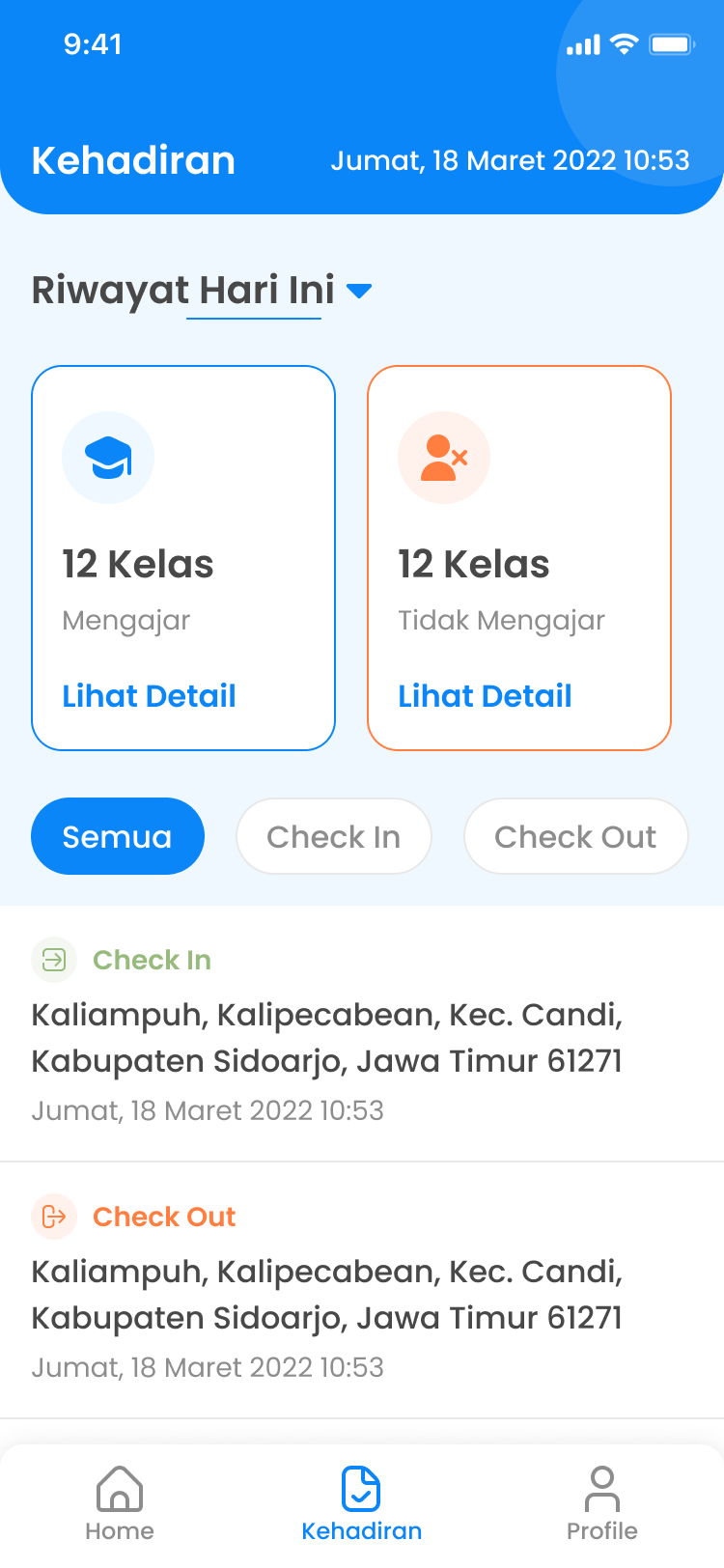
InStudi set its MVP for the first release, so the information architecture covers only the flow that list needed: sign in, check in, see the day, then attend each class by QR code or send a reason for missing it.
Design
Wireframes first
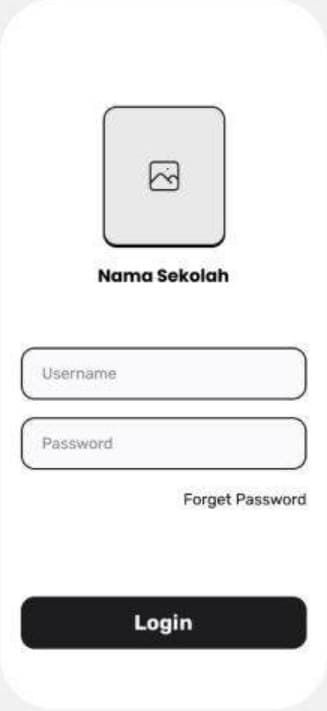
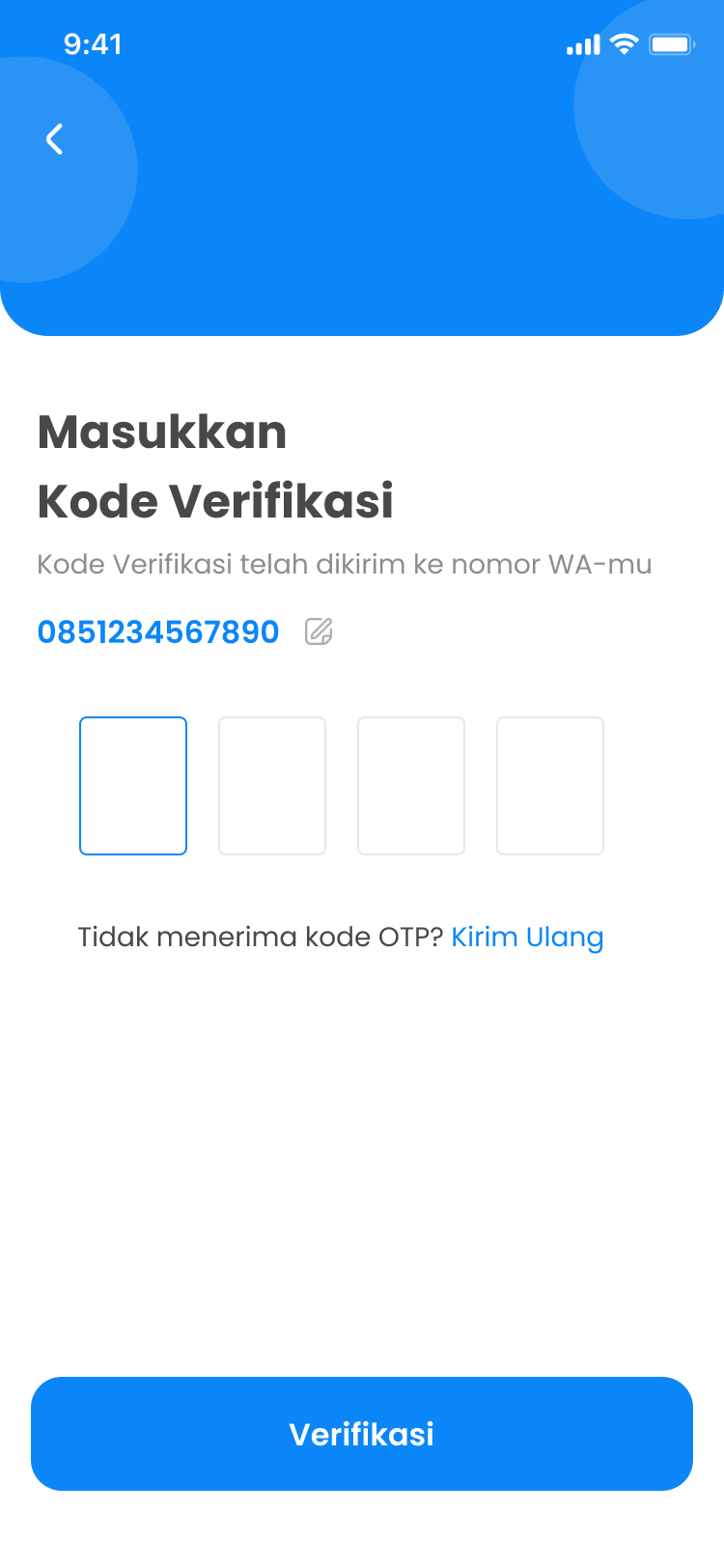
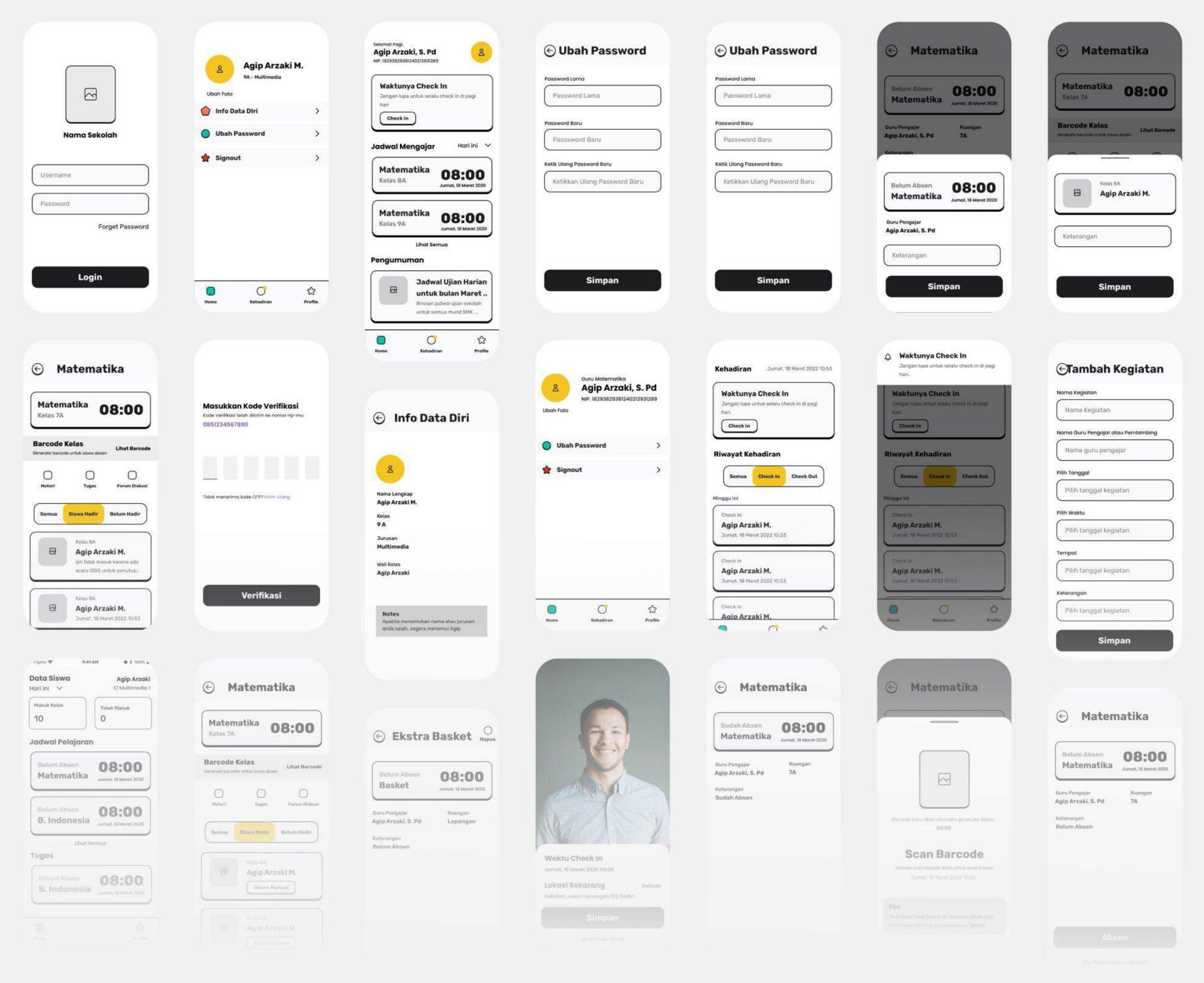
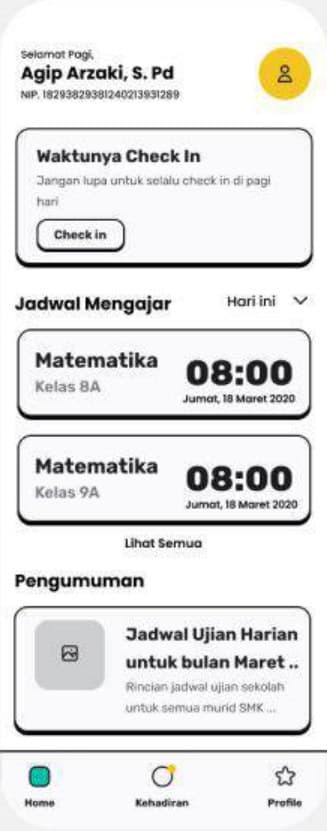
The backlog turned into low-fidelity wireframes for every screen in the flow, from login to the attendance history, before any colour went in. Drag across the screens below to compare them with the final UI.
Color and type
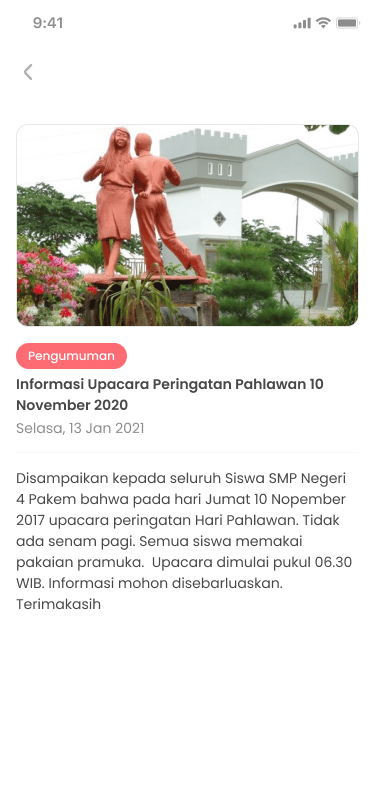
One blue carries every action. Green and orange mark arriving and leaving, so a glance at the history is enough, and the coral red is kept for leave requests and announcements. Poppins in three weights does the rest.
Selfie attendance and live location
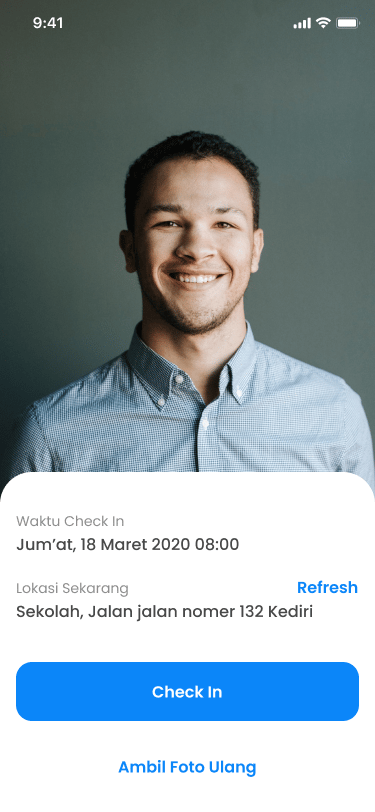
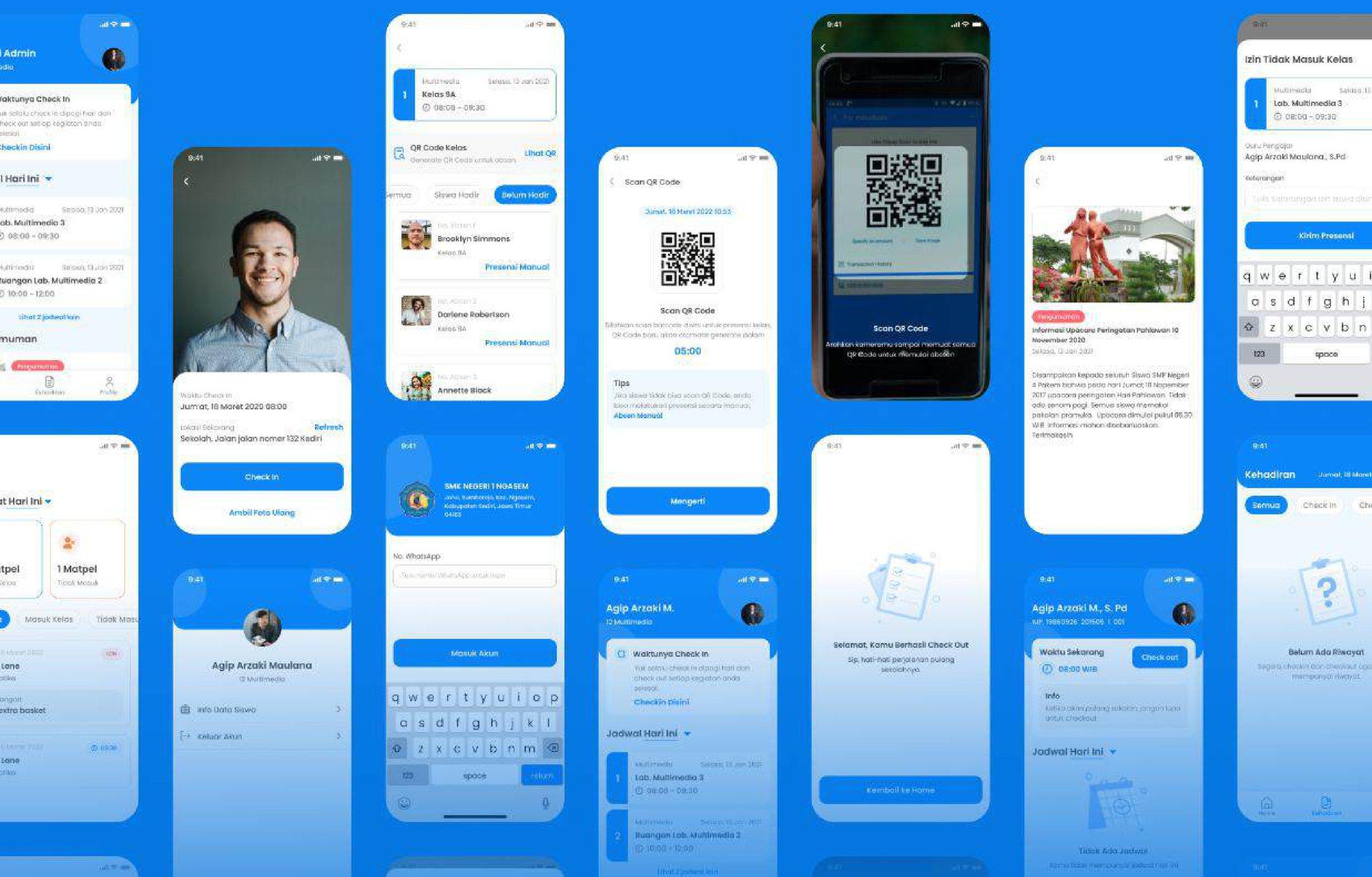
Attendance uses a live selfie, and the system picks up the user's location automatically. Parents and teachers can follow students' attendance as it happens.
School information
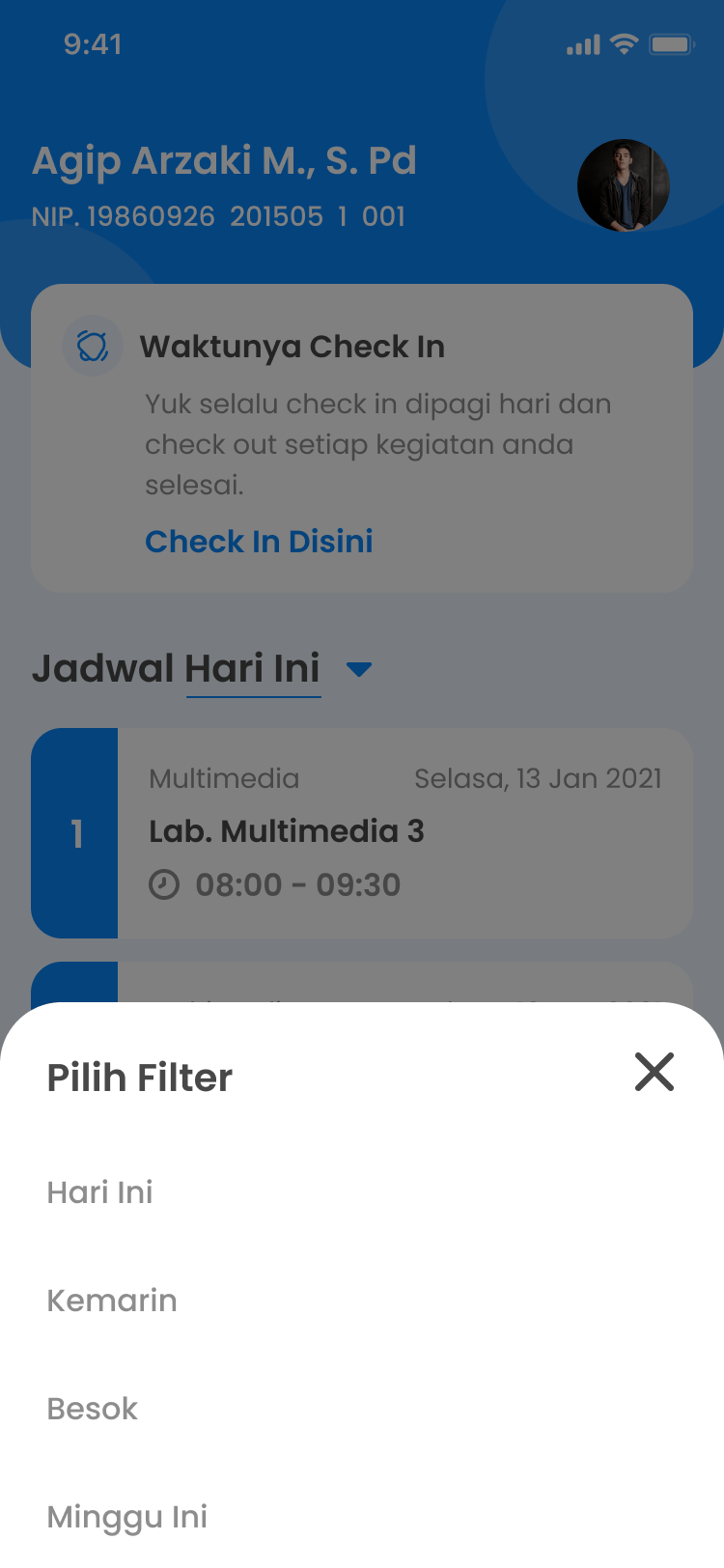
The schedule for every day and subject, class information and duty rosters, in one place that students, teachers and parents all see.
A website for the school
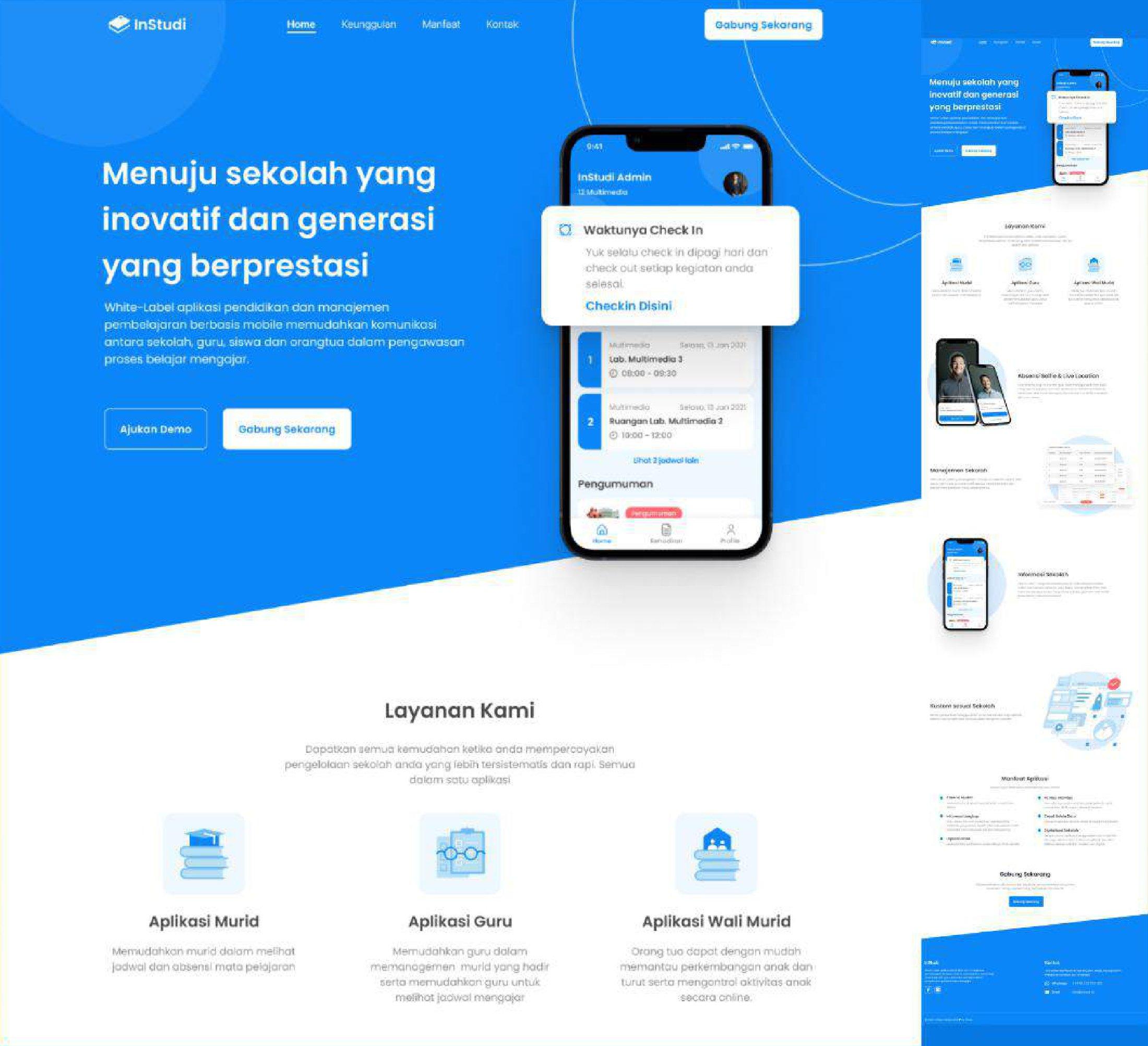
InStudi is white-label: each school gets the app under its own name, logo and colours. The website explains the three apps and invites schools to join.
The team
- UI/UX DesignerAgip Arzaki Maulana
- IllustratorKukuh
Next case study
01 / 04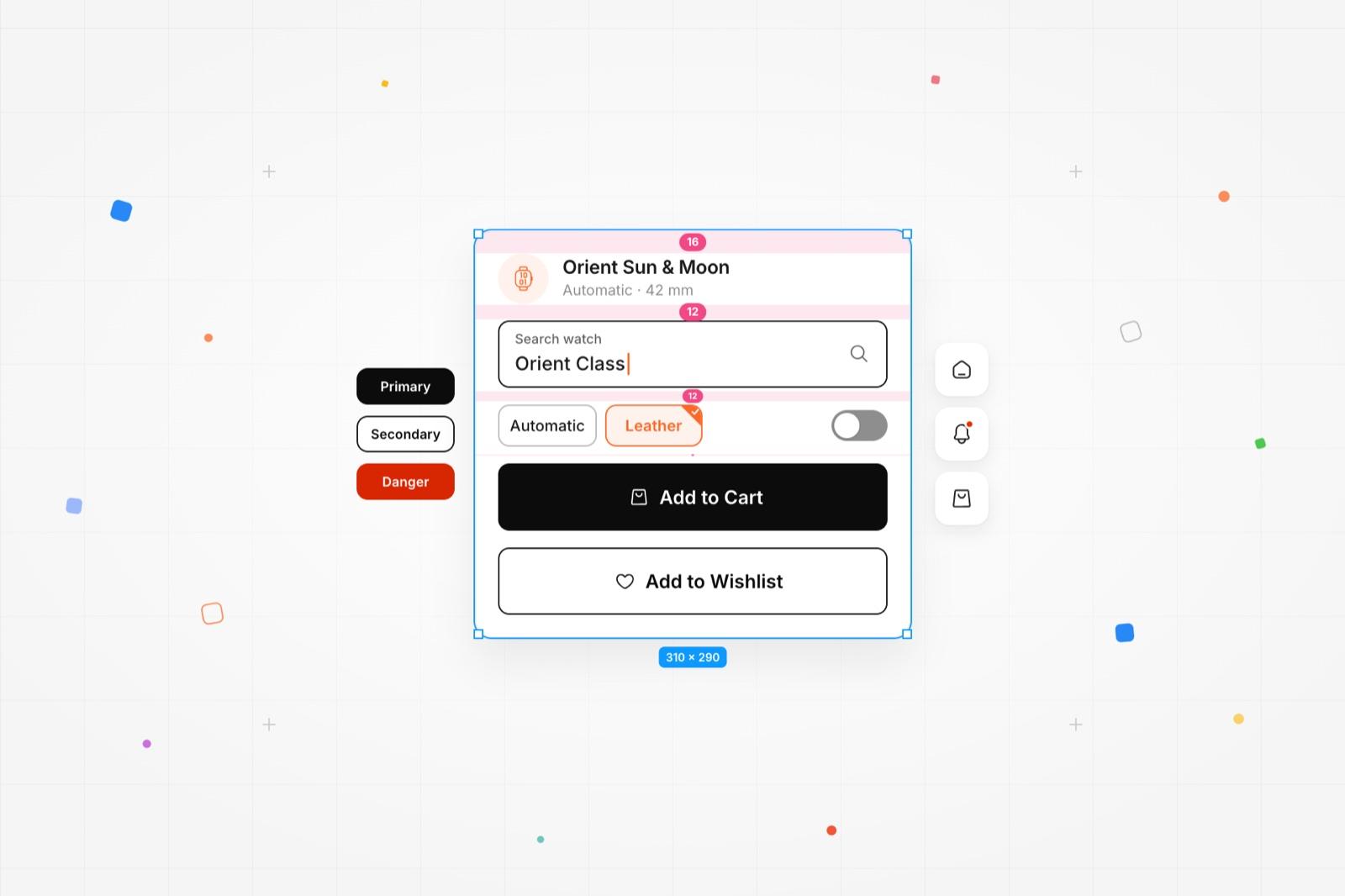
Movement Design System
Built from zero for Jamtangan.com - 40+ components and a 40% faster handoff.